
Superkool tool
Kinetic titles and animated explainers. Describe a brief or paste a script and get drawn, animated scenes synced to a voiceover, with captions on every word.
How it works
From one line to moving type.
- 01
Describe it, or paste a script
Describe one clear message in up to 1,000 characters, or paste a finished script of up to 10,000 and the narration stays word for word.
- 02
Pick a style, or Auto
Choose from 15 looks, from Kinetic typography to Blueprint. Auto lets the AI director pick one from your brief.
- 03
Get animated scenes
Roughly every ten seconds becomes its own drawn scene, animated to the voiceover, with word-by-word captions already on.
Made with Motion Graphics
Same tool. Any business.
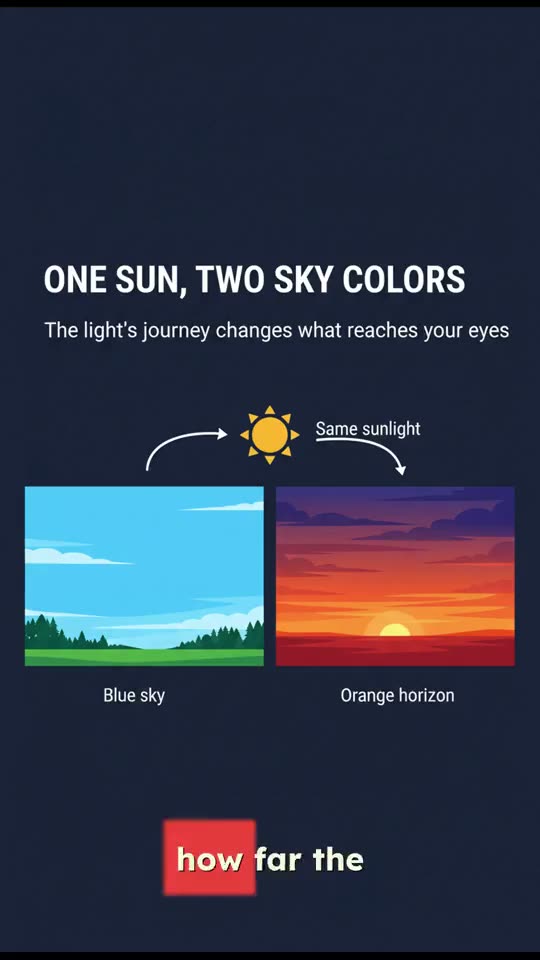
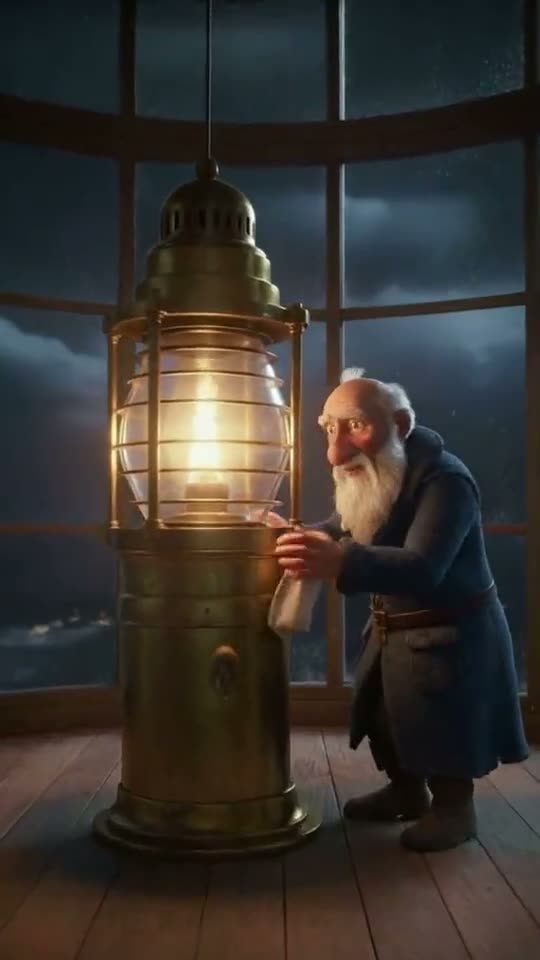
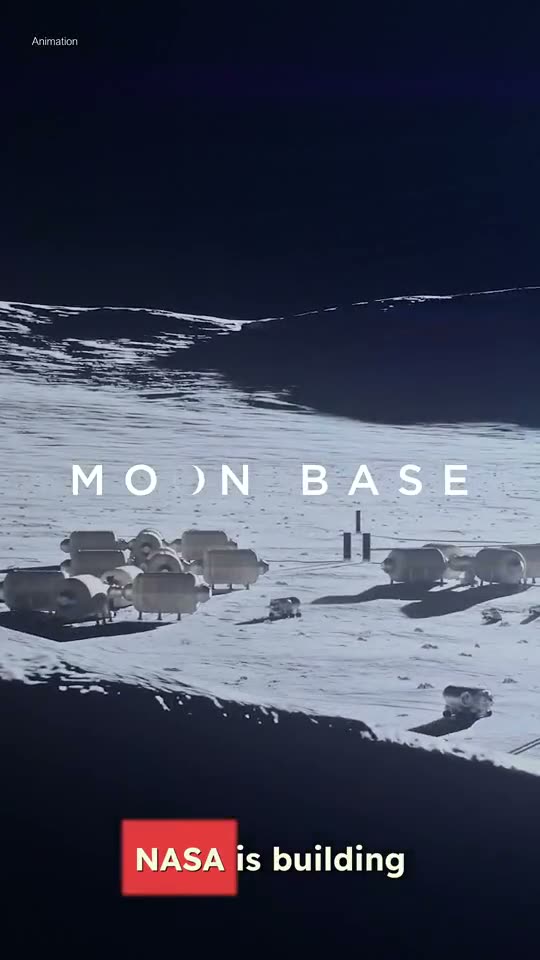
Real renders, voiceover and all. Every scene is drawn and animated to the narration, with the spoken word lit up in the captions. Tap a phone for sound.
Med spa
LumaGlow “Start with a free skin consultation”
Roofing
Summit Roofing “A ceiling stain doesn’t start today”
Taqueria
Fuego Taqueria “Marinated for 24 hours”
15 styles, plus Auto
One brief. Fifteen looks.
Pick the look that fits the topic, or leave it on Auto and the AI director chooses for you.
- AutoThe AI director picks the best style for your brief.
- AaKinetic typographyBold type choreography on hard beats.
- AaMinimal 2DFlat shapes, limited palette, clean motion.
- AaModern SaaSLight UI walkthrough, big cursor, zoom punches.
- AaWarm gradientSunny gradients, rounded cutouts, soft springs.
- AaDark premiumCinematic spotlights on deep black.
- AaApple keynotePristine studio, giant type, seamless morphs.
- AaBold launchPunchy, saturated high-energy drop reel.
- AaChrome Y2KLiquid chrome, iridescent Y2K shine.
- AaBrutalist posterStark Swiss grids and stamping type.
- AaClay 3DSquishy pastel clay renders.
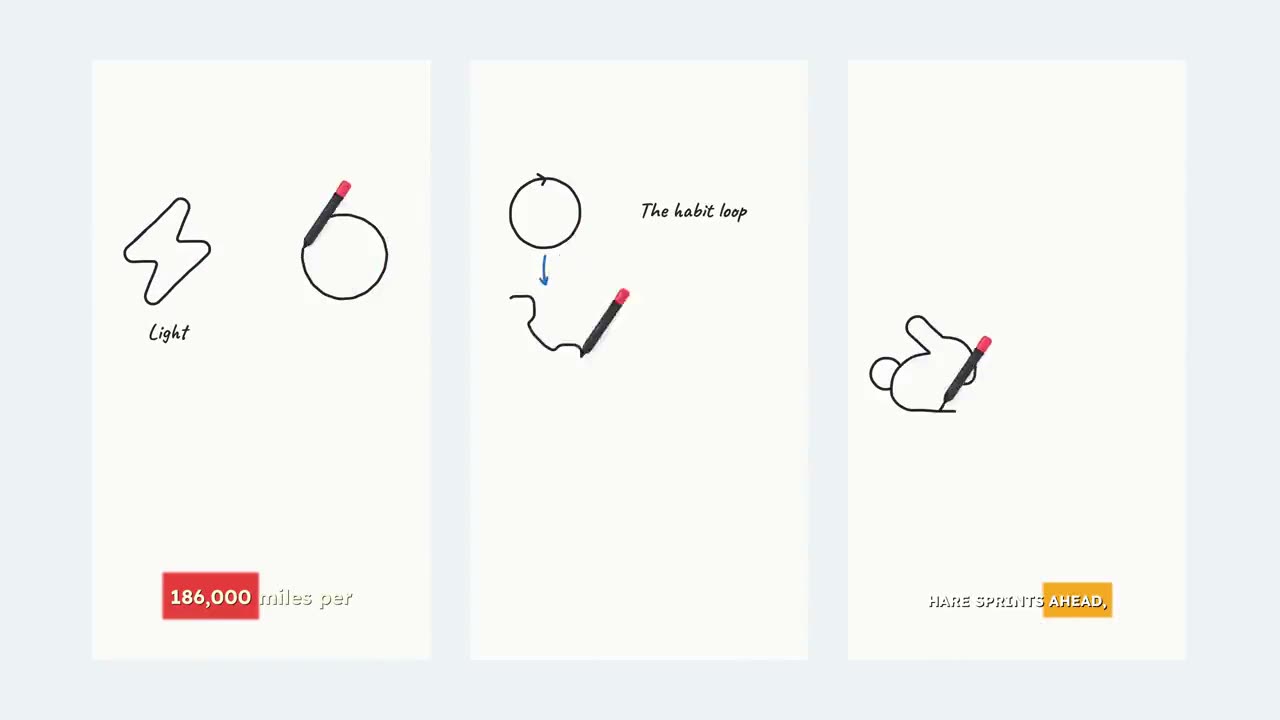
- AaDoodle sketchHand-drawn scribbles that draw themselves.
- Vox editorialMaps, charts, and paper-collage journalism.
- AaBlueprintGrids, schematics, and line drawing.
- AaPlayful educationFriendly, bouncy explainer illustration.
- AaRetro printRisograph inks and stop-motion pops.
Why it works
After Effects polish. No keyframes.
Drawn, not stock
Every scene is built from type, shapes and charts drawn in code. No photos, no footage, nothing that looks like a template.
Synced to the voiceover
Titles land, counters roll and shapes move on the narration’s beats, so the timing is locked before you see it.
Captions built in
Word-by-word captions sit under the graphics and follow the voice.
An AI director on Auto
Not sure which look fits? Auto reads your brief and picks the style for you.
Your offer on the end card
Add a discount, a link or a line, and the closing scene prints it word for word.
Vertical, wide or square
Render in 9:16 for Reels, Shorts and TikTok, 16:9 for YouTube, or 1:1 for the feed.
Good to know.
Still have a question? Contact us or email support@superkool.io.
Do I need After Effects or any design skills?
No. You describe the video and pick a style (or leave it on Auto). Superkool writes the narration, designs each scene, animates it to the voice and adds captions.
Can I use my own photos or footage?
Not in this tool. Motion Graphics scenes are fully drawn graphics: type, shapes, charts and diagrams. If you want footage, Prompt to Video or Voiceover Videos are the better fit.
How long should my video be?
Keep it to one clear message. Roughly every ten seconds of the brief becomes one scene, so a short, focused idea animates best. Cramming many unrelated points into one short video is the most common miss.
Which style should I choose?
Match the look to the topic: Blueprint for technical subjects, Kinetic typography for punchy lines, Vox editorial for data and stories. Or leave it on Auto and the AI director decides.
Can I keep my own wording?
Yes. Switch to Script mode and paste a finished script of up to 10,000 characters; the narration reads it word for word.
How long does a render take?
Usually 3 to 6 minutes, because every scene is designed by AI. Motion Graphics is included in every plan.


Put your message in motion.
Describe it once. Get titles, graphics, voice and captions, timed and finished.
Every tool in every plan · Cancel anytime