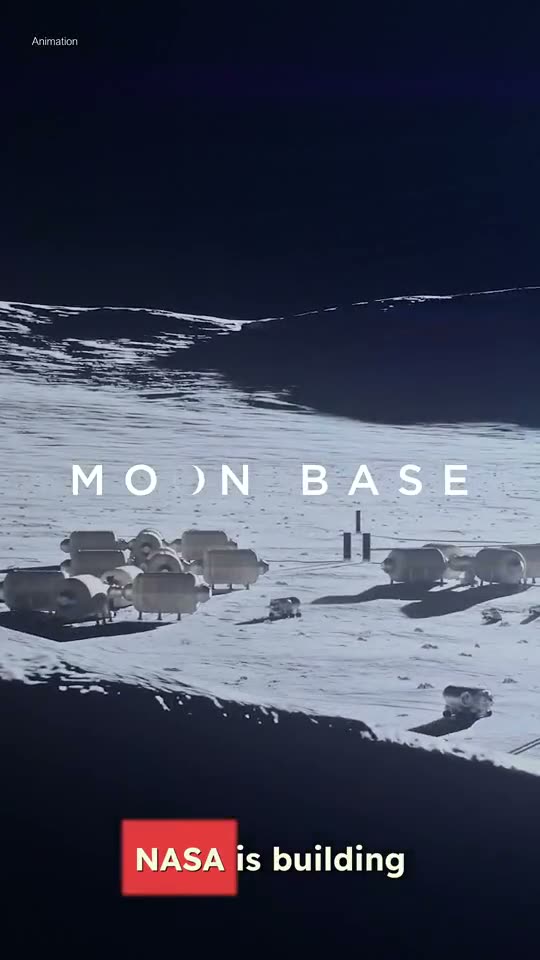
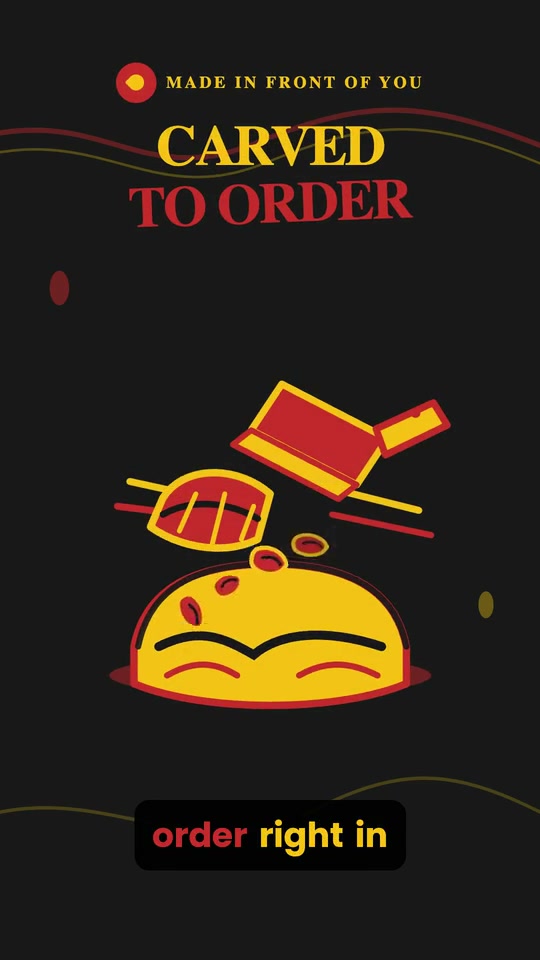
An original song, every time
Each track is composed from your brief, not pulled from a stock library. Ask for vocals or say “instrumental only” for a clean bed.
Create
Faces & ads
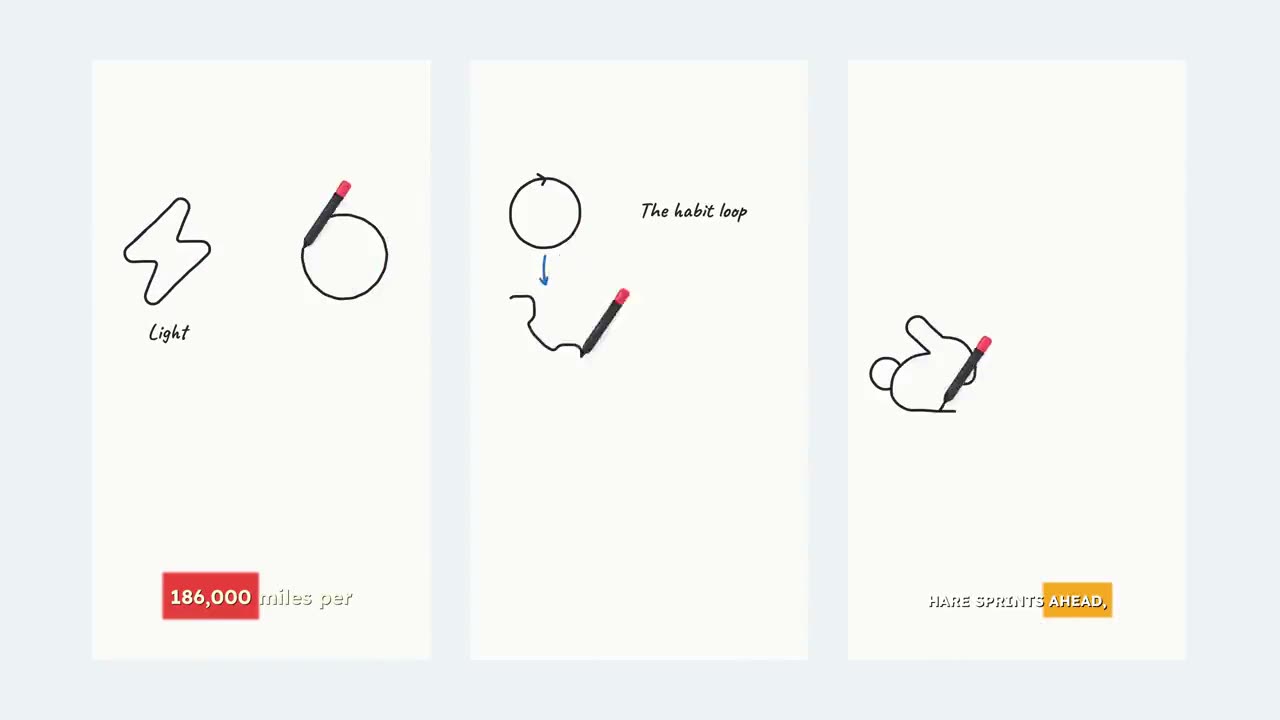 NewSketch StoryYour idea, drawn on a whiteboard as it’s told.See all 14 tools
Tools
An original song with visuals to match. Lyric captions and bars cut to the beat.
How it works
Write the mood, story and genre and the AI writes the lyrics for you. Or paste your own, with [Verse] and [Chorus] tags to shape it.
Choose a style preset like Pop, Lo-fi or Cinematic, add a hint if you like, then Standard for a 30-second song or Studio for a full track.
Superkool composes the song, builds a background to match, and renders it with lyric captions and bars that move to the beat.
Made with Music Video
“Midnight Drive” started as a single line. Here is everything Superkool built from it, in one render.
Make your ownStyle presets
Tap a genre to steer the track, then add your own hint like “soft female vocal, around 100 BPM”. Presets work with both a description and your own lyrics.
 Pop
Pop Indie pop
 Lo-fi
Lo-fi Hip-hop
 Rap
Rap R&B
R&B EDM
EDM Rock
Rock Metal
Metal Folk
Folk K-pop
K-pop Afrobeat
 Reggaeton
 Cinematic
 Ambient
 8-bit
8-bit Jazz
JazzWhat you get
Each track is composed from your brief, not pulled from a stock library. Ask for vocals or say “instrumental only” for a clean bed.
In Describe mode the AI writes the words and sings them. In Lyrics mode it sings yours, exactly as you wrote them.
Lyric captions come with the song’s own timing, so every word lands as it’s sung. Restyle them with any caption preset.
An audio-reactive visualizer is rendered into the video, moving with the actual track.
The scene is generated from your song’s theme and drifts slowly behind the lyrics. Don’t love it? Swap or regenerate it in the editor.
Render in 9:16 for Reels, TikTok and Shorts, 16:9 for YouTube, or 1:1 for the feed.
30-second song
Quick and light on credits. The default.
Full-length song
The premium, complete track.
Still have a question? Contact us or email support@superkool.io.
Yes. Switch to Lyrics mode and paste them. Adding [Verse] and [Chorus] tags helps shape the song, and the words are sung as written. Please only use lyrics you have the rights to.
Standard makes a 30-second song, quick and light on credits. Studio makes a full-length song, the complete track.
No. Requests for a named artist’s voice are blocked. Describe the sound instead, for example “dreamy indie pop, soft female vocal, around 100 BPM”, and pick a style preset.
In the editor you can swap or regenerate the background image and restyle the captions. The lyric text and the song stay locked, so the words never drift out of sync with the vocals.
Yes. All 14 Superkool tools are included in every plan.
Describe a mood or paste your lyrics.
Every tool in every plan · Cancel anytime