
No mic needed
Voiceover videos
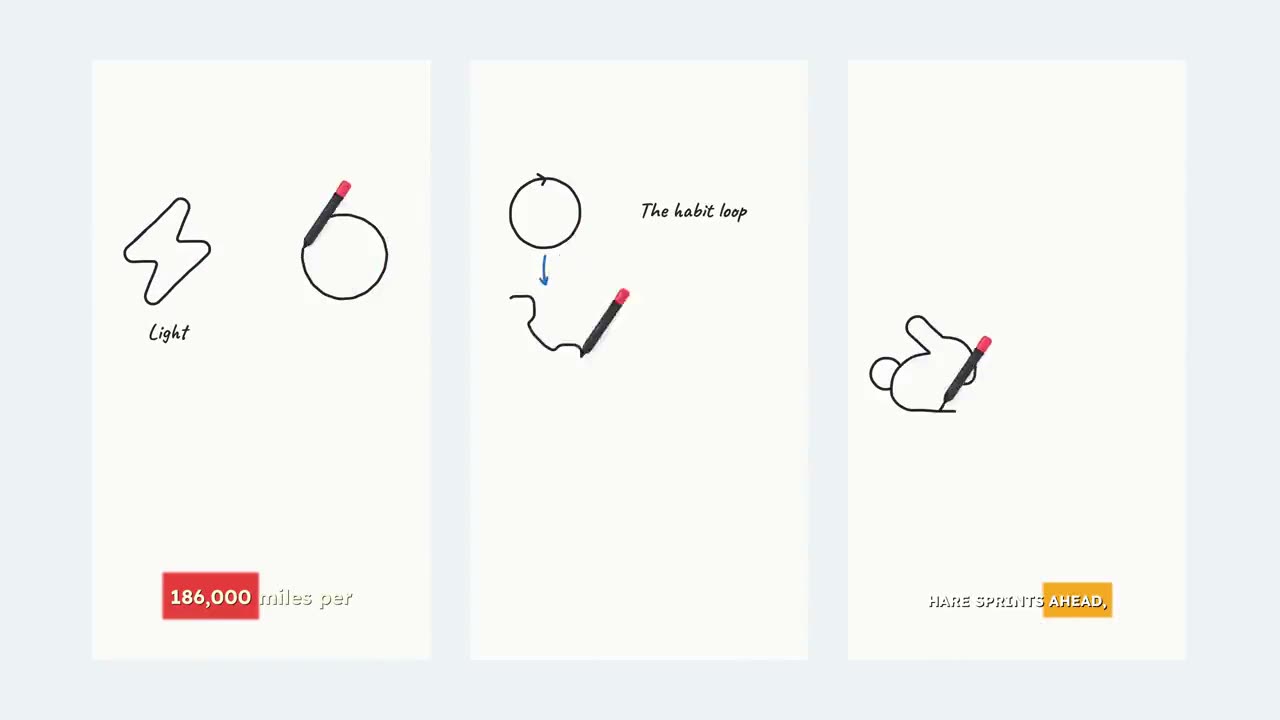
Paste a script or describe a topic. Superkool narrates it, animates a new scene every few seconds and captions every word. Nothing to record.
Script in. Narrated video out.
Three steps, no recording booth, no editing timeline.
- 01
Paste a script, or describe it
Script mode reads your words exactly as written, up to 10,000 characters. No script yet? Describe the topic in up to 1,000 characters and Superkool writes the narration.
- 02
Pick Pro or Elite
Pro is the default and lighter on credits. Elite gives the sharpest, most detailed clips. Either way you pay for the spoken length of your script.
- 03
Get the finished video
The narration is split into scenes of about eight seconds. Each one is animated, voiced and captioned word by word, then joined into one video.
Made with Voiceover Videos
Every few seconds, a new scene.
Superkool plans your narration into scenes, animates each one and keeps your main character looking the same from start to finish.
- Scene 1Every night, the old keeper climbed the tower and lit the lamp.
- Scene 2Out on the water, no storm could find a ship he was watching over.
- Scene 3And one evening, a small boat drifted safely into the harbour.
Sample: “The Last Lighthouse Keeper”, rendered in 16:9 and 9:16.
A narrator, an editor and a b-roll team.
Faceless clips, narrated ads and podcast-style posts, built from the words you already have.
Your words, verbatim
In script mode no word is dropped, reworded or re-cased. If a scene split ever changes your text, Superkool falls back to your original wording.
A scene every eight seconds
The narration is planned into scenes of about eight seconds, each with its own picture and its own motion.
The same character throughout
When your story has a main character, they keep the same look in every scene they appear in. Scenes without them get fresh b-roll.
Animated, never stock
Every scene starts as an AI image in an animated, Pixar-like style and is brought to life as an AI video clip. Long scenes chain clips so the motion carries on.
Captions on every word
The voice is timed word by word, and the captions highlight each word as it is spoken, so voice and text never drift apart.
Pro or Elite
Pro is the default and lighter on credits, great for drafts. Elite is the premium tier with the sharpest, most detailed clips.
Works best with
- A finished script, written the way you want it read
- One clear idea per line, so each scene has a focus
- Tight scripts: about every eight seconds of narration becomes a new scene
Skip
- Walls of text with no natural scene breaks
- Expecting a presenter on camera: the narrator is voice only
- Very long scripts that stretch one idea too thin
Questions, answered.
Still have a question? Contact us or email support@superkool.io.
Do I need to record my own voice?
No. Superkool generates the narration with an AI voice, so there is nothing to record and no mic to set up.
Will someone appear on camera?
No presenter reads to camera. The picture is animated scenes, and if your story has a main character they stay consistent from scene to scene. For a presenter talking to camera, use Talking Avatar.
Does Superkool change my script?
Not in script mode: every word is kept exactly as you wrote it. If you would rather not write it, describe the topic instead and Superkool writes the narration for you.
How is the length worked out?
From your script. Superkool counts the words at a natural speaking pace (about 2.5 words a second, so 150 words is roughly a minute) and bills that spoken length.
What is the difference between Pro and Elite?
Pro is the default: lighter on credits and a good fit for drafts. Elite is the premium tier with the sharpest, most detailed clips.
How long does a render take?
Usually about 4 to 8 minutes, because every scene is its own AI video clip.






Your script deserves a voice.
Paste it in and get a narrated, captioned video back. No mic required.
Every tool in every plan · Cancel anytime